
Molot / Features
A working day, from first visit to final invoice.
Follow a practical example: a repair project with a client, two visits, a materials purchase, and an invoice. Each part belongs to the same job.
Product walkthrough · Screens illustrate the supplied preview, not a verified public release.
01 / Clients, properties & projects
Everything starts with the job.
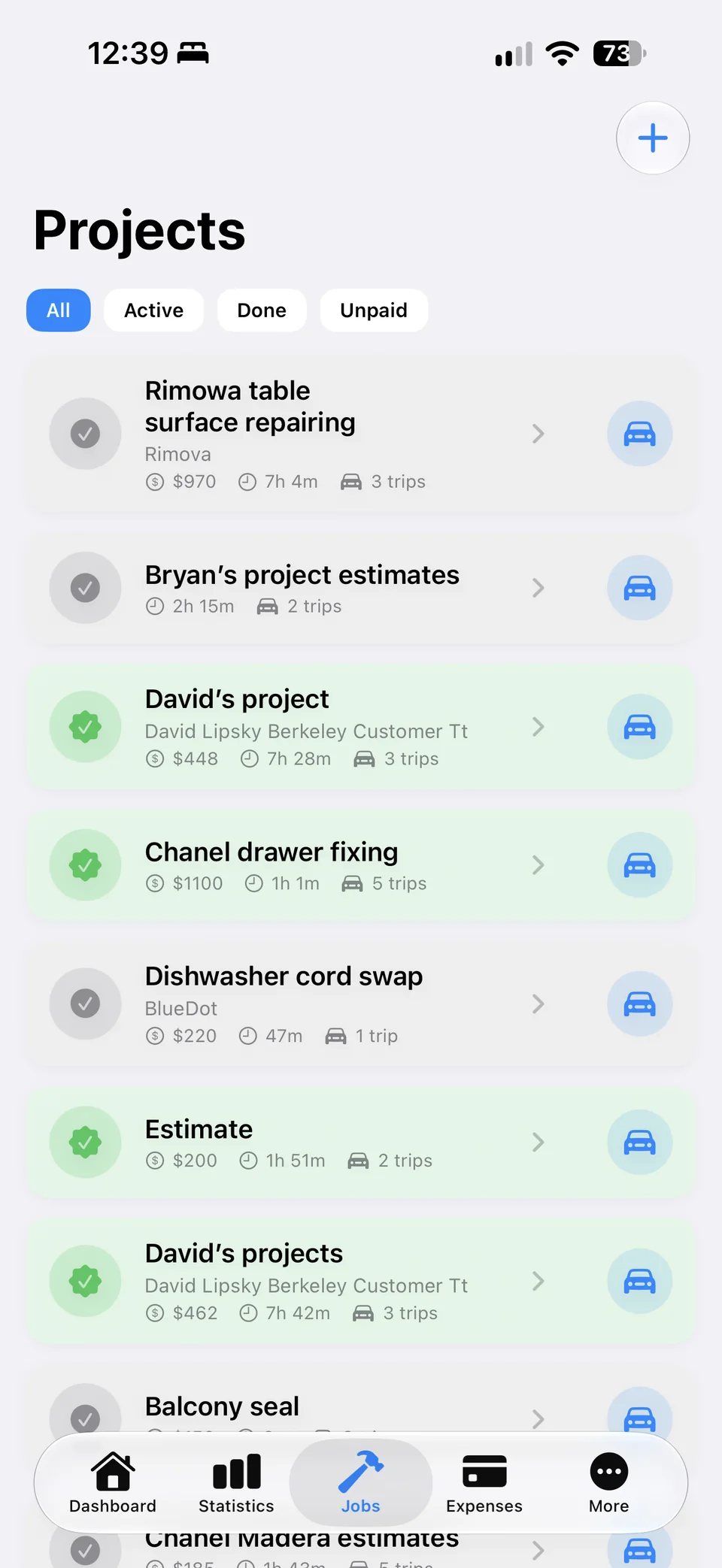
Keep clients, properties, and projects organized so you always know where the work belongs. A client may have more than one property; a property may have more than one project. Keeping those relationships clear gives every visit a useful home.
In a working day
Start with the client and the location. Create a project for the repair itself, then associate the work and costs with that project. A later job at the same property can have its own records.
02 / Work sessions
Track the work. Keep the context.
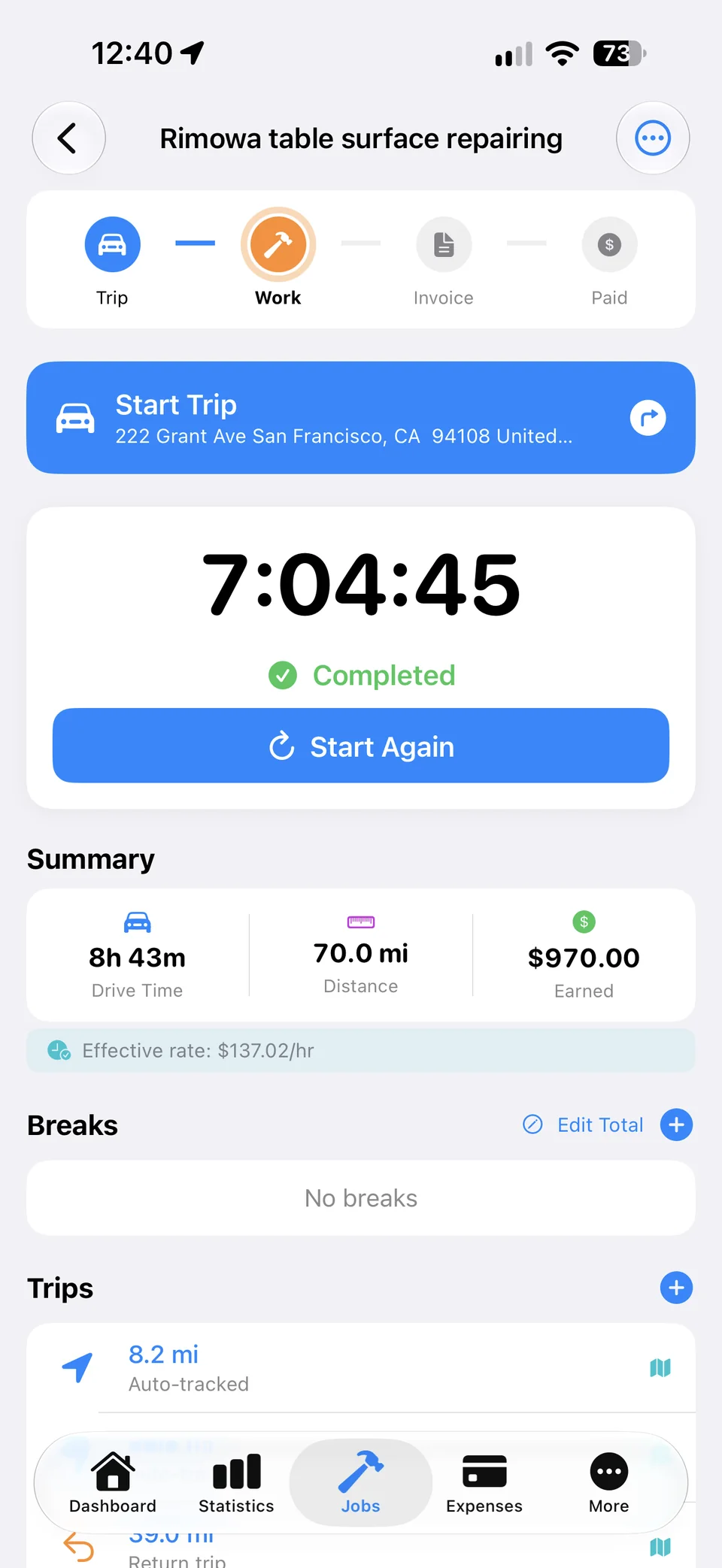
Record work sessions, manage breaks, and build a clear history of the time spent on each project. The job timer keeps the current session in view; past sessions explain how a project came together.
In a working day
On a two-visit repair, record a session for each visit and account for breaks. Before billing, review the sessions together instead of trying to remember when you arrived and left.
03 / Travel & mileage
Your workday doesn’t stop between jobs.
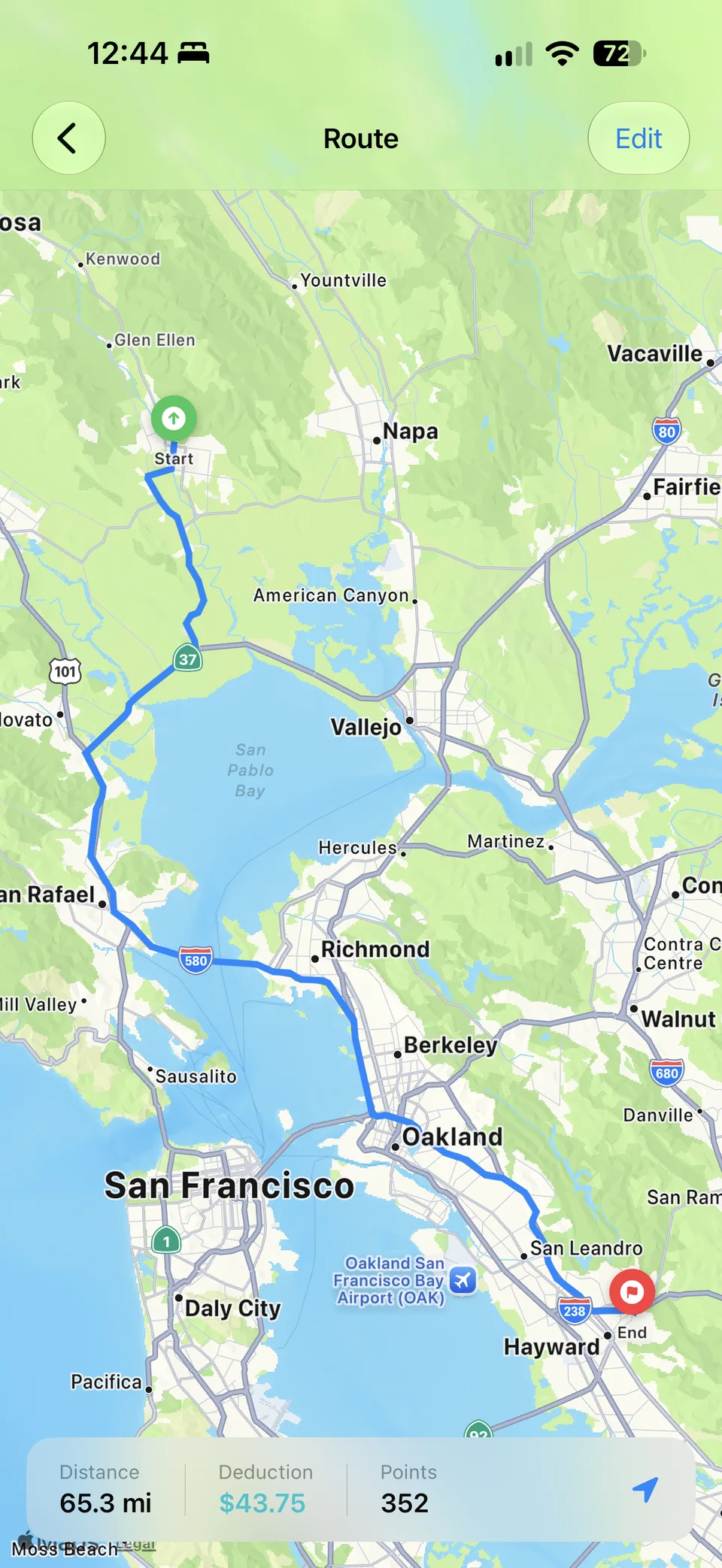
Keep travel and mileage records connected to the projects and places you visit. A trip is part of the working day, even when it happens between two appointments.
In a working day
Review a recorded trip alongside the project it belongs to. Automatic GPS detection and route reconciliation are still being improved, so check the route and mileage before relying on a record.
04 / Expenses & materials
Know what each job really costs.
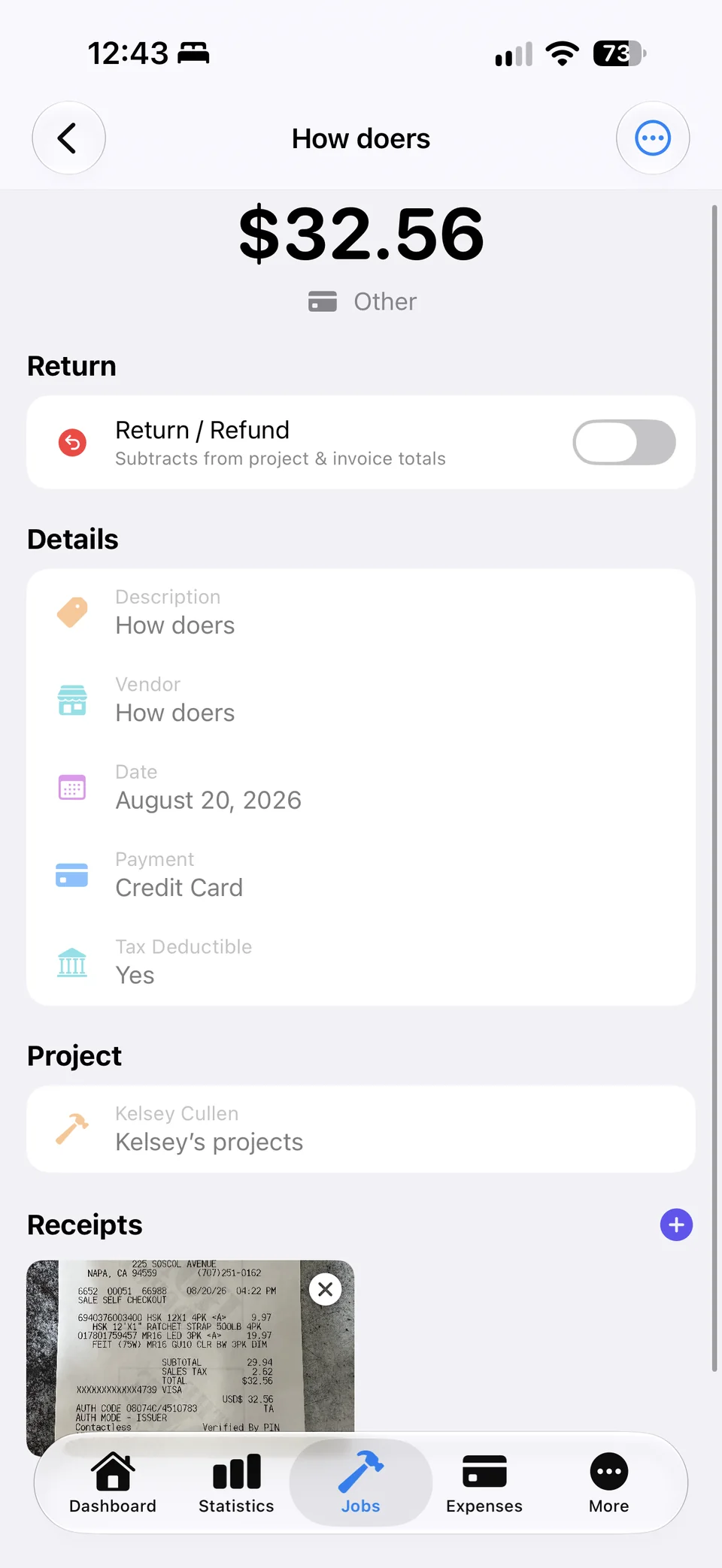
Keep expenses and purchases associated with the work they belong to. Materials, receipts, and job-related purchases are easier to understand when they sit beside the project.
In a working day
Associate a replacement part with the repair project and keep its receipt with the expense. Review the purchase before preparing the invoice so the cost is considered in the right context.
05 / Invoicing
From work records to invoices.
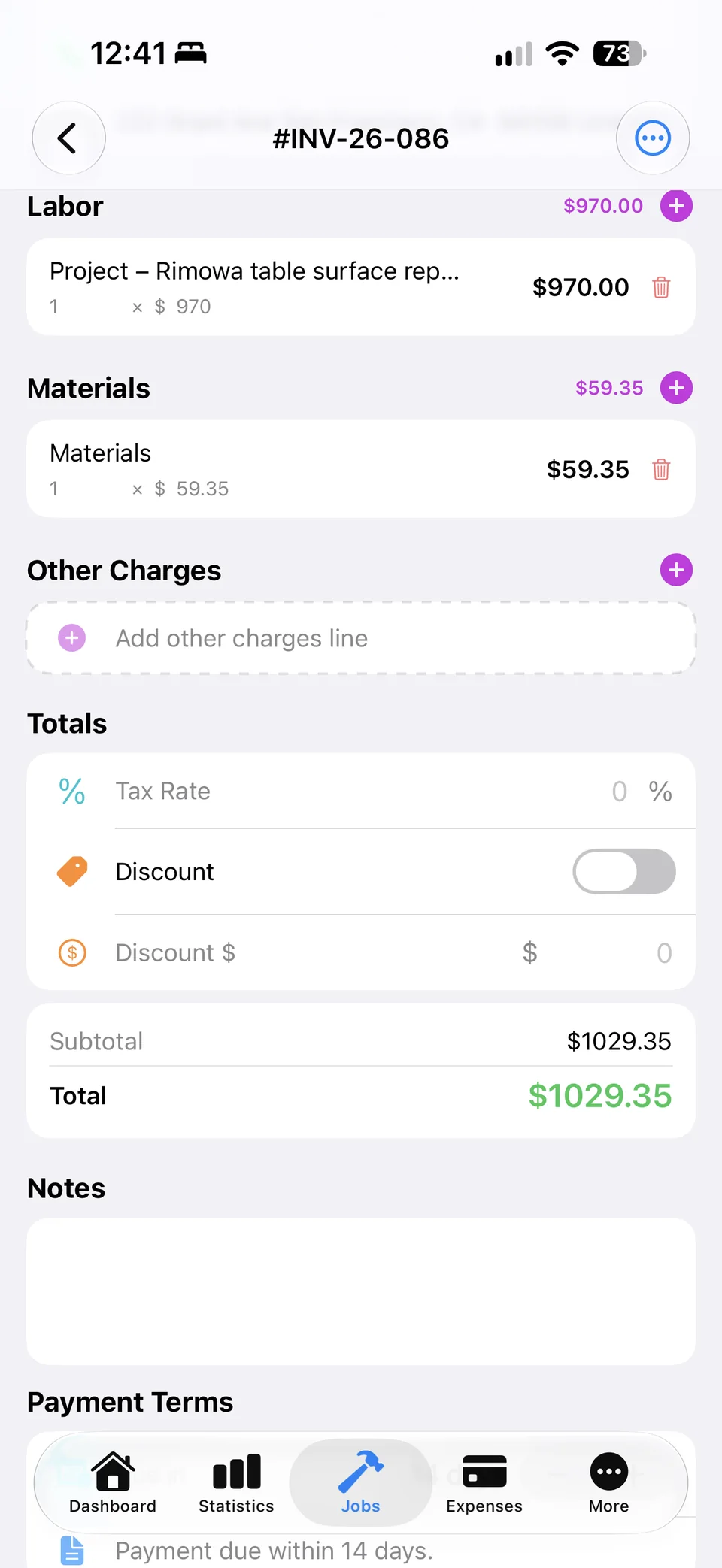
Use your recorded work, expenses, and billing information to prepare invoices with less manual effort. Hourly billing and minimum charges help reflect how you price the work.
In a working day
Review labor and materials, check your billing terms, and confirm the total before sharing an invoice. Invoice records help organize billing; online payment collection is not part of the functionality described here.
06 / Today dashboard
A clear view of today.
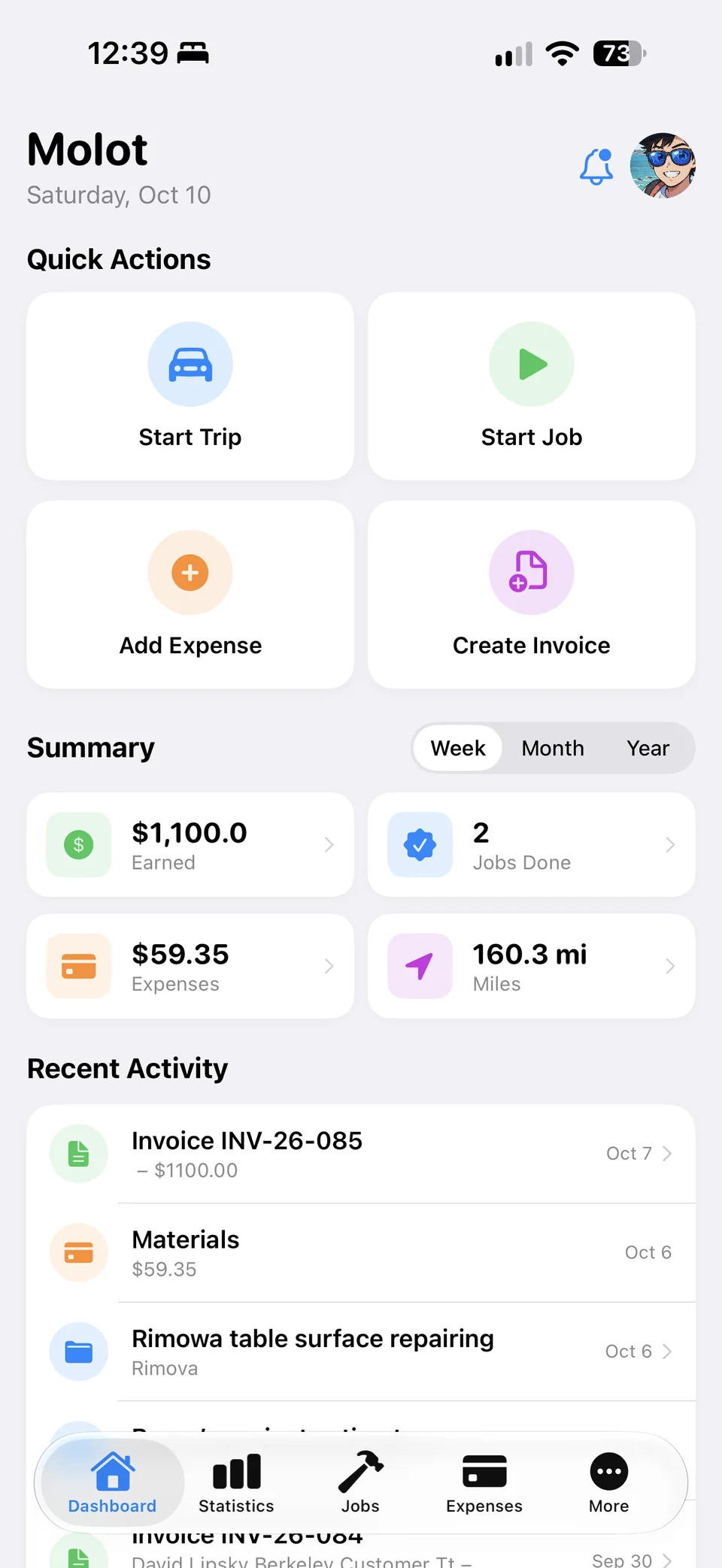
See the work that matters right now without digging through yesterday’s notes. Start a job, record a trip, add an expense, or return to recent activity from one daily starting point.
In a working day
Use the dashboard at the beginning of the day to get oriented. At the end, review recent activity while the details are fresh, then return to the relevant project if something needs attention.
A closer look at Molot
Less reconstructing. More getting on with the job.
Take a closer look at the tools that connect your workday.